Viewing Codecs Shared by other TieLink Accounts
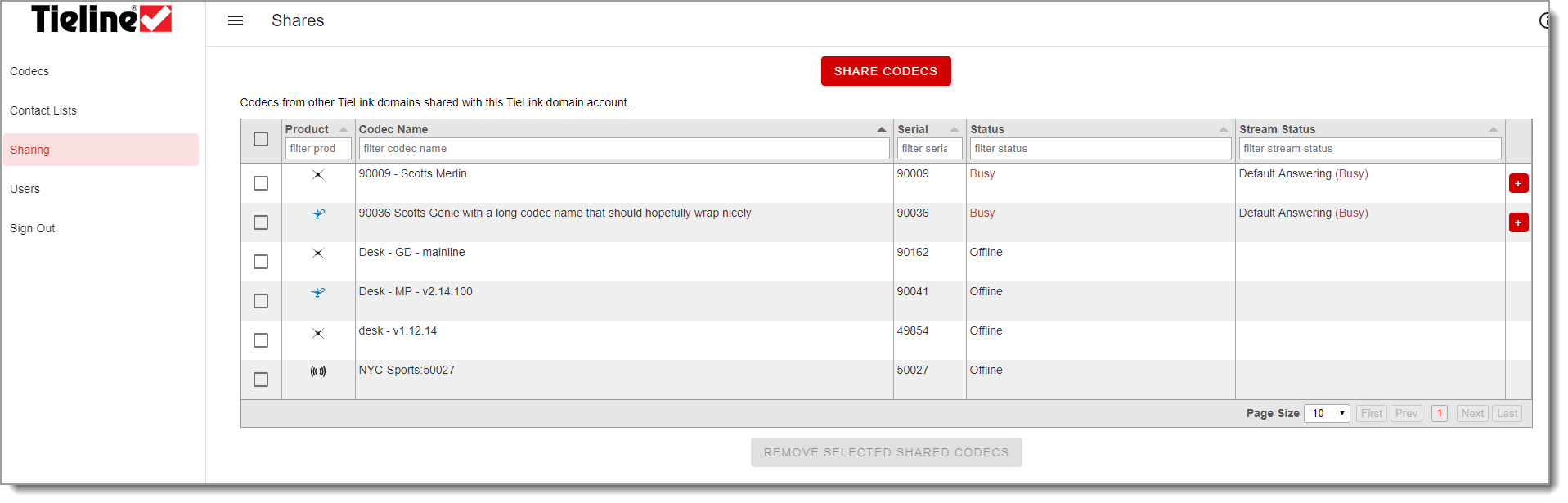
Codecs registered to other domains can be shared with your domain's TieLink account. Codecs registered to other domains that have been shared with your TieLink domain are visible in Sharing.
Sharing Multiple Codecs with other TieLink Accounts
Each codec can be shared with other TieLink Traversal Server accounts, which allows external accounts to view and connect to your codec. This is simplest to configure using the Sharing screen.
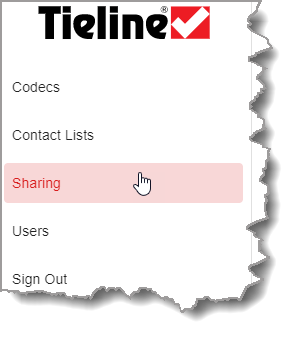
1.Select Sharing.
2.Click Share Codecs  .
.
3.Click to select codecs and enter the Account Name of the domain to which they will be shared.
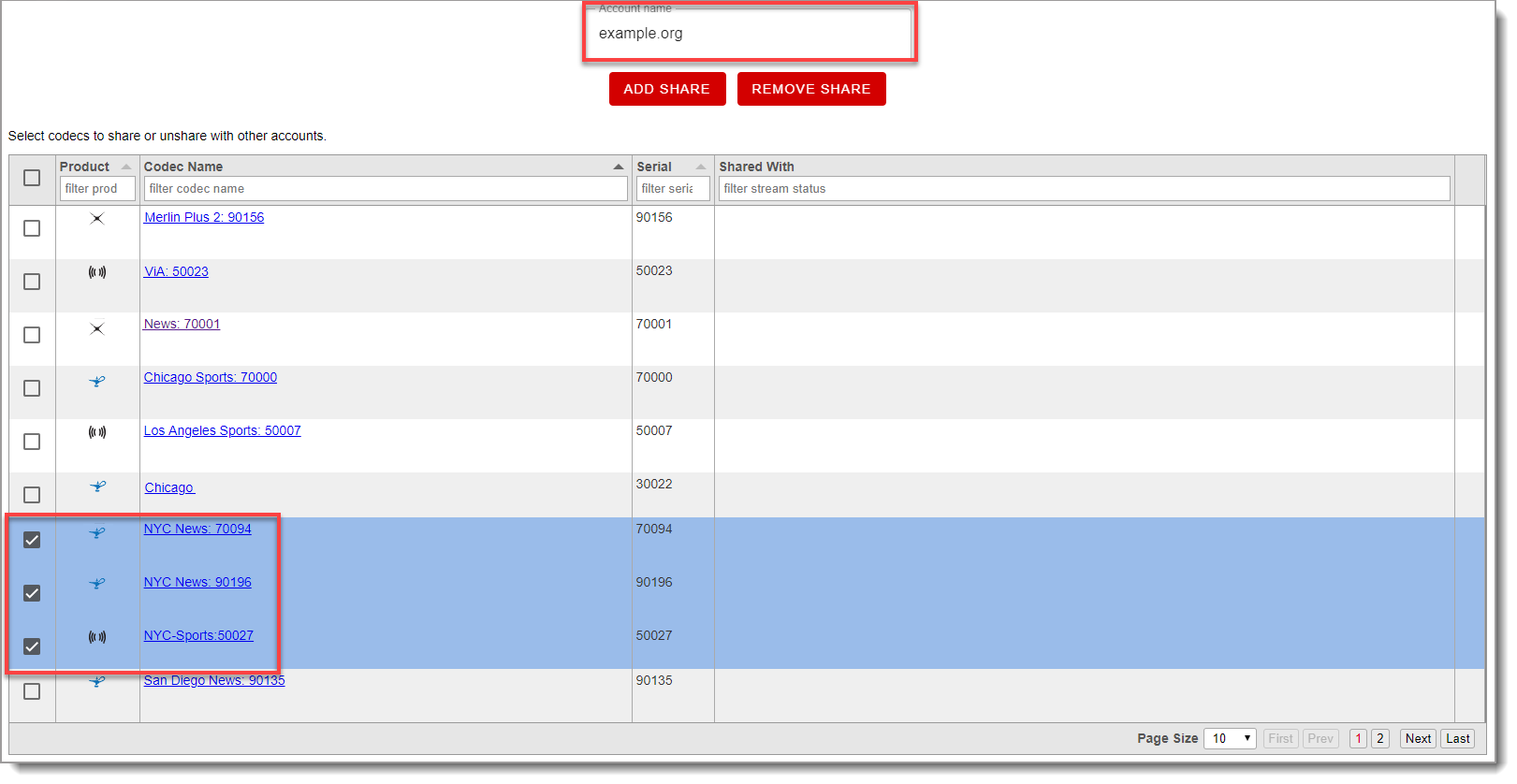
4.Click Add Share  to share the selected codecs with the external TieServer domain.
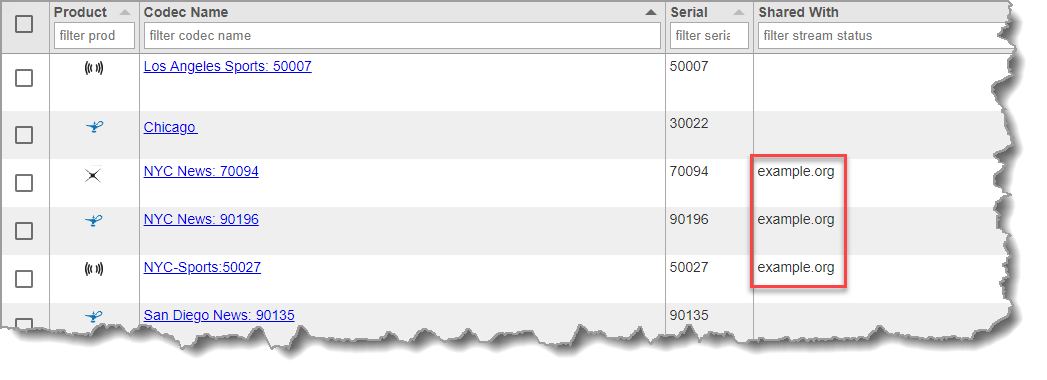
5.The codecs are shared with the domain as indicated.
Share a Single Codec with other TieLink Accounts
Sharing can also be configured on a codec-by-codec basis using the Codecs screen:
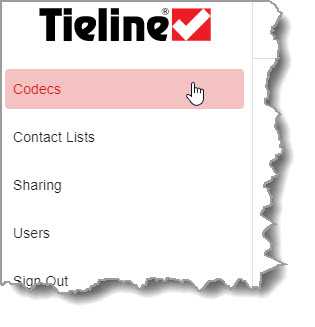
1.Select Codecs.
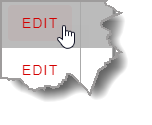
2.Click Edit for a device in the codec list.
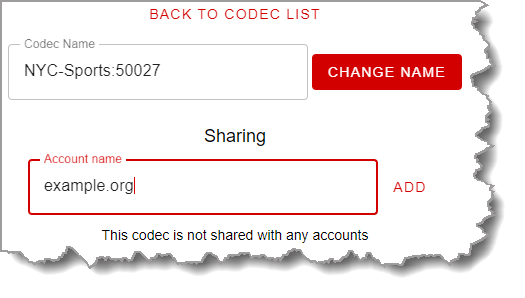
3.Enter the Account name for the external domain in the Sharing field, then click Add.
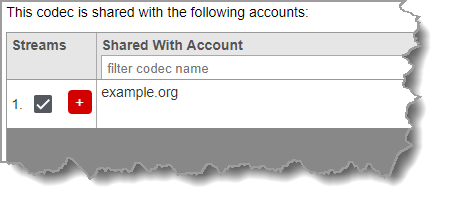
4.Details of codec sharing are displayed on the screen.
|
Important Note: The administrator of an external TieLink account must add a shared codec to a contact list before it is available for use. |