Additional admin login accounts can also be created and managed from within the user interface. By creating additional admin login accounts there is no need to provide the primary admin login credentials to other users. This means:
•Additional admin accounts can easily be removed if staff leave an organization, without changing primary admin account credentials.
•A specific login can be created for TieLink that excludes the user from using other software tools like the Cloud Codec Controller and/or the TieServer Console. By default these software tools share the same primary admin login credentials with TieLink.
Create a New Admin Login
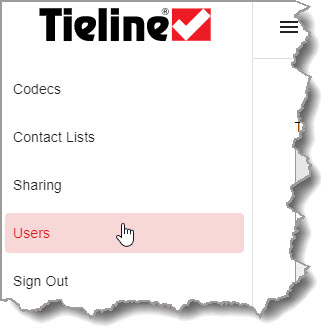
1.Click Users.
2.Click Create New Admin.

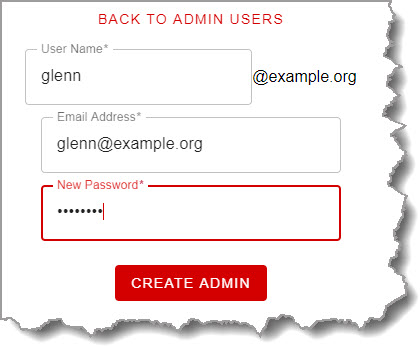
3.Add a User Name, Email Address and password, then click Create Admin.
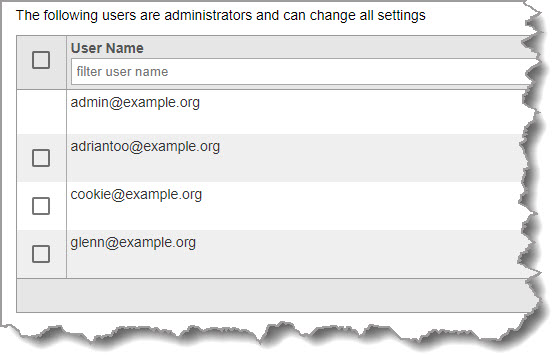
4.The new user will appear in the list of administrators.
Remove Admin Logins
To remove an admin login that is no longer required:
1.Click to select the admin login to be deleted.
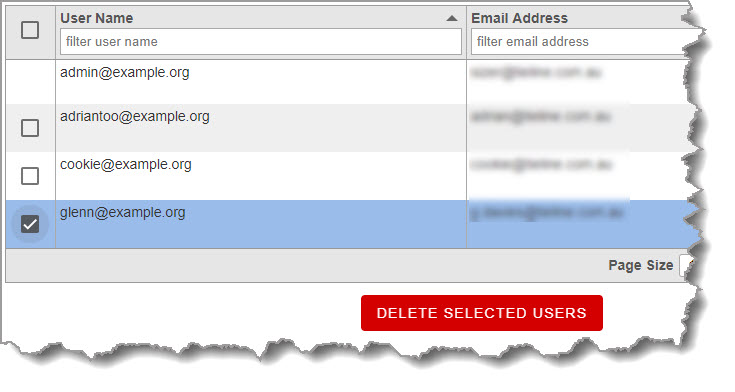
2. Click Delete.